Reference-Guided Styling
Upload references to lock in mood, texture, color, and composition while Smart Prompt turns rough ideas into usable directions.
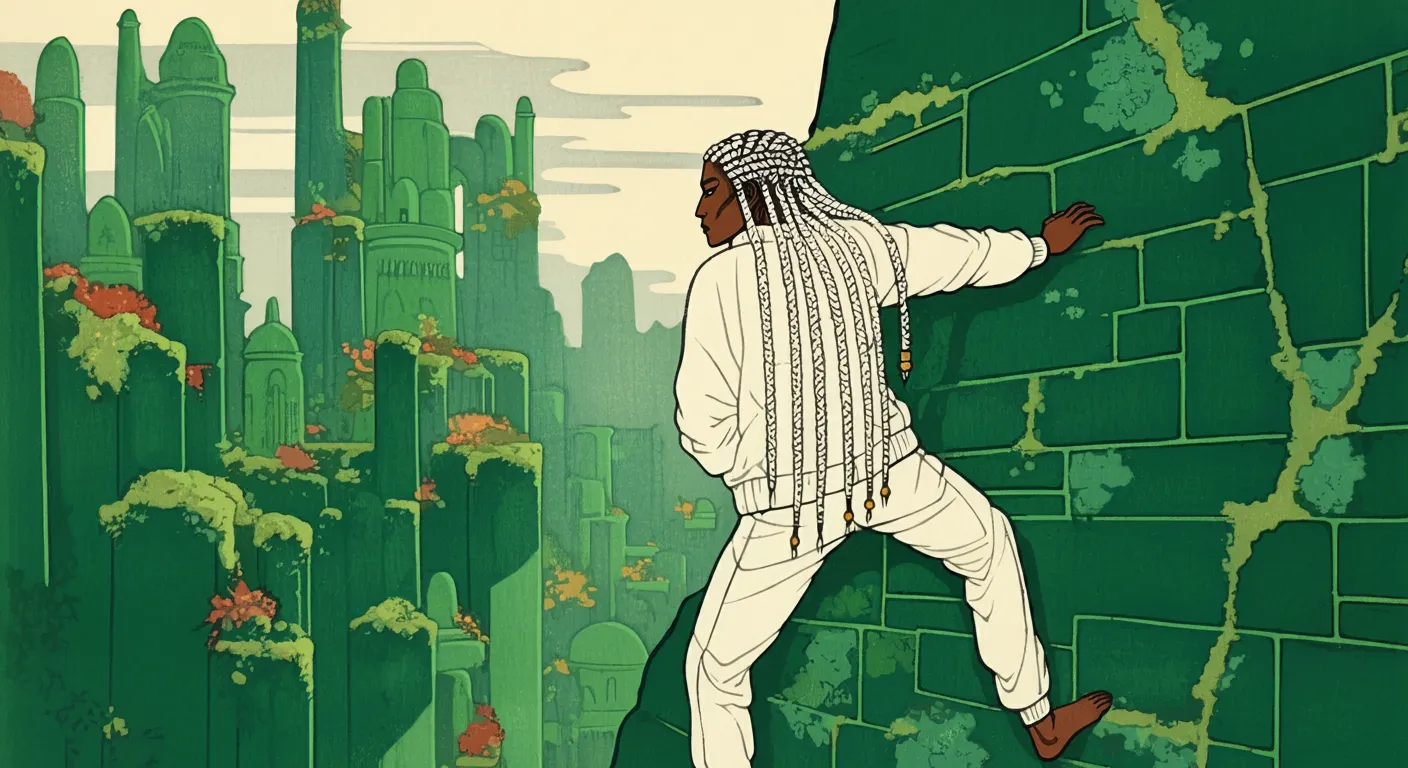
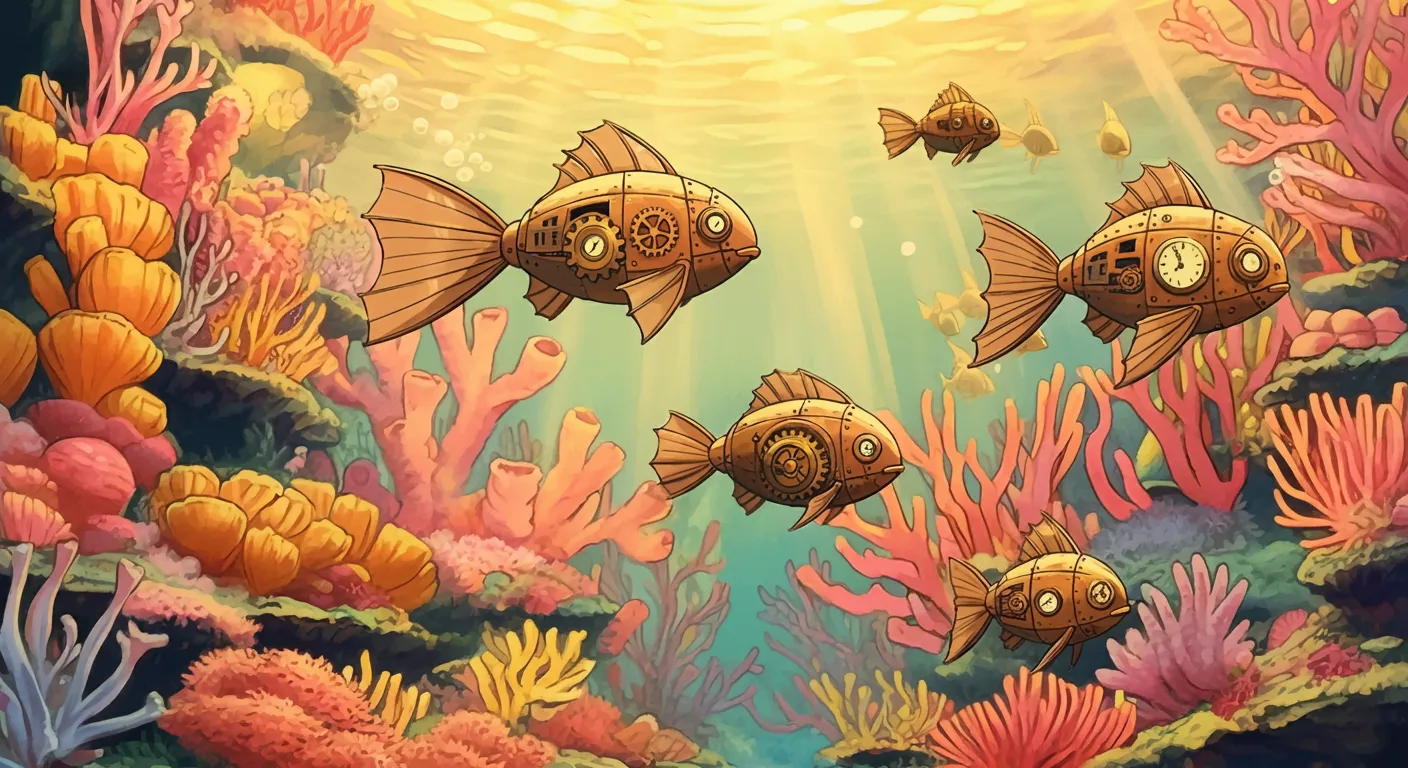
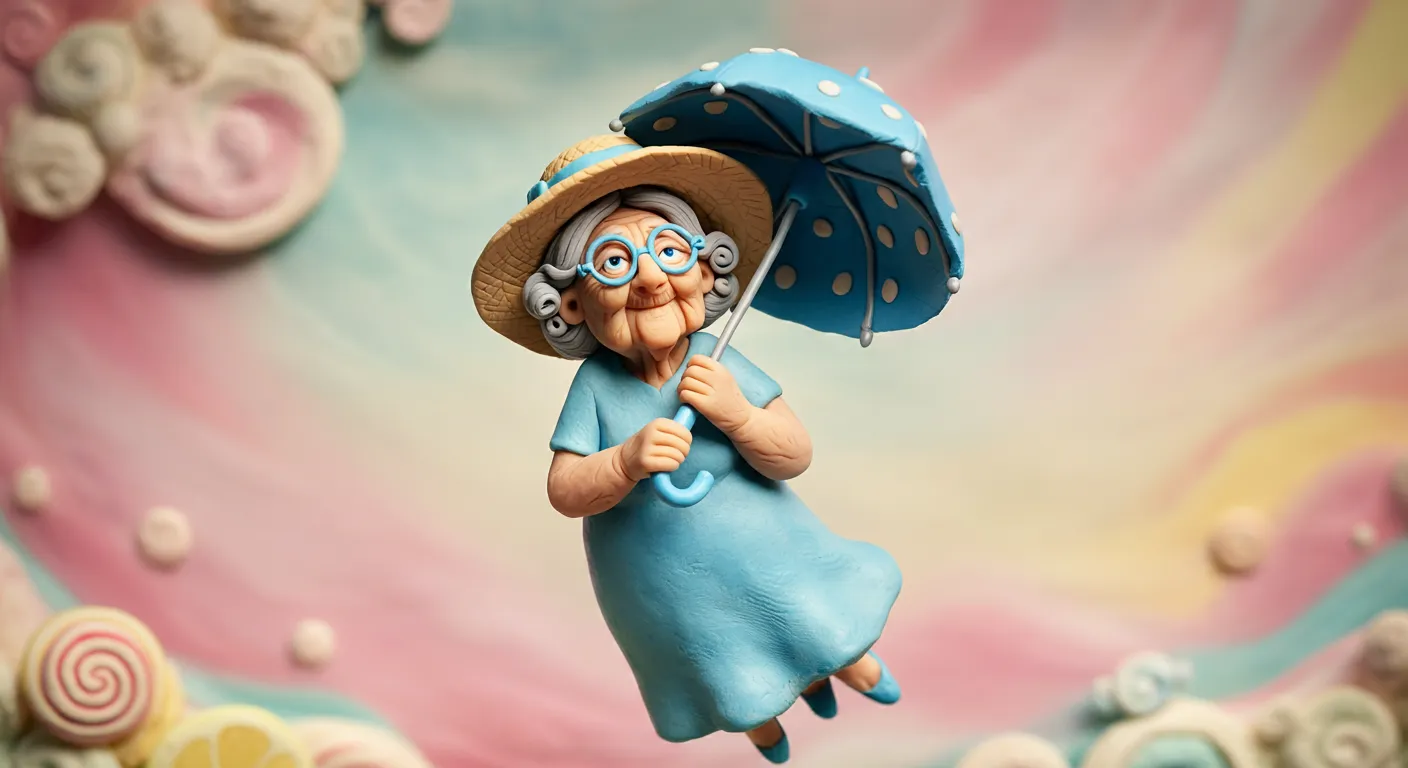
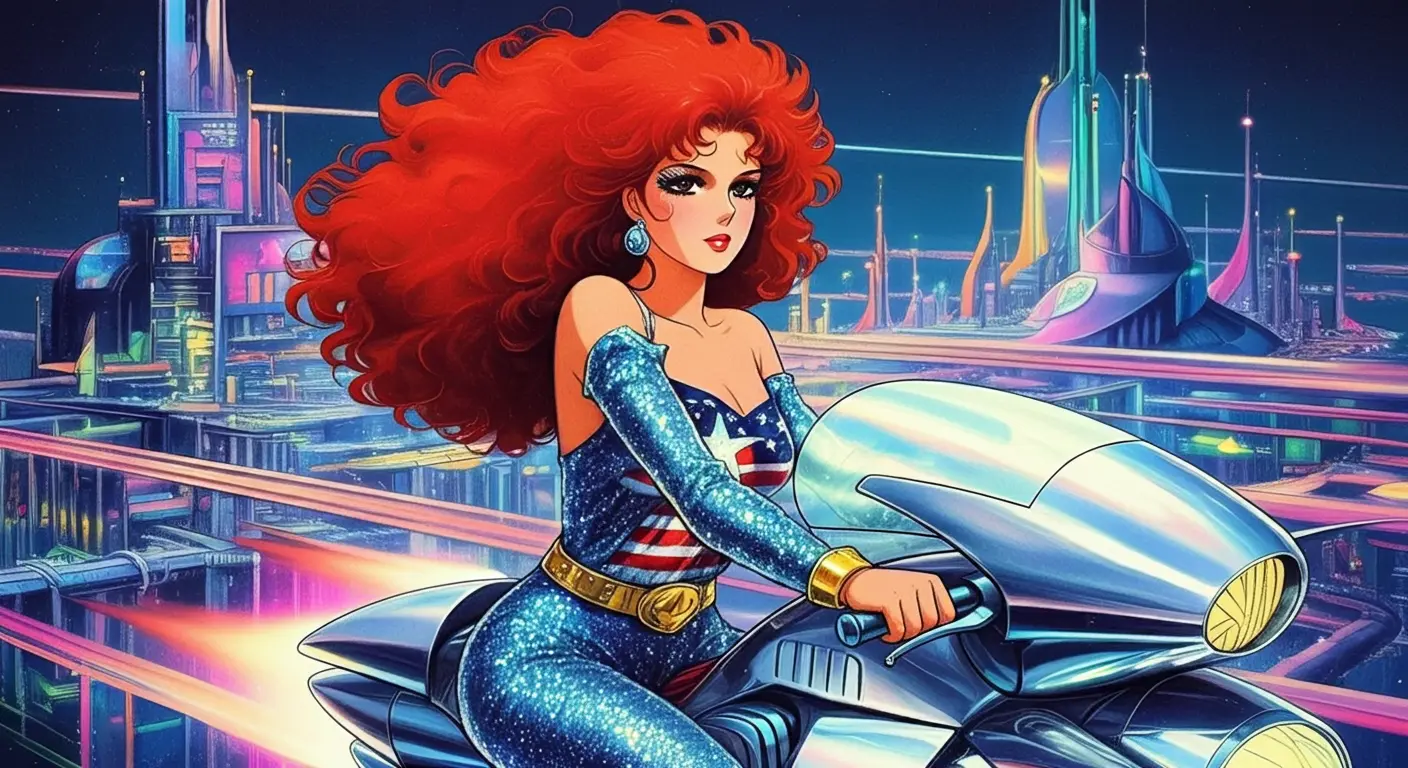
Turn prompts and reference images into AI images or short videos. Choose a model, set the output details, and keep your best generations in one creative workspace.
Try Whisk AIGenerate images from text, remix up to three reference images, or turn a still image into an AI video.
Balance: — credits
Please enter a description or instructions
Generated image will appear here
Transform your images with AI editing.
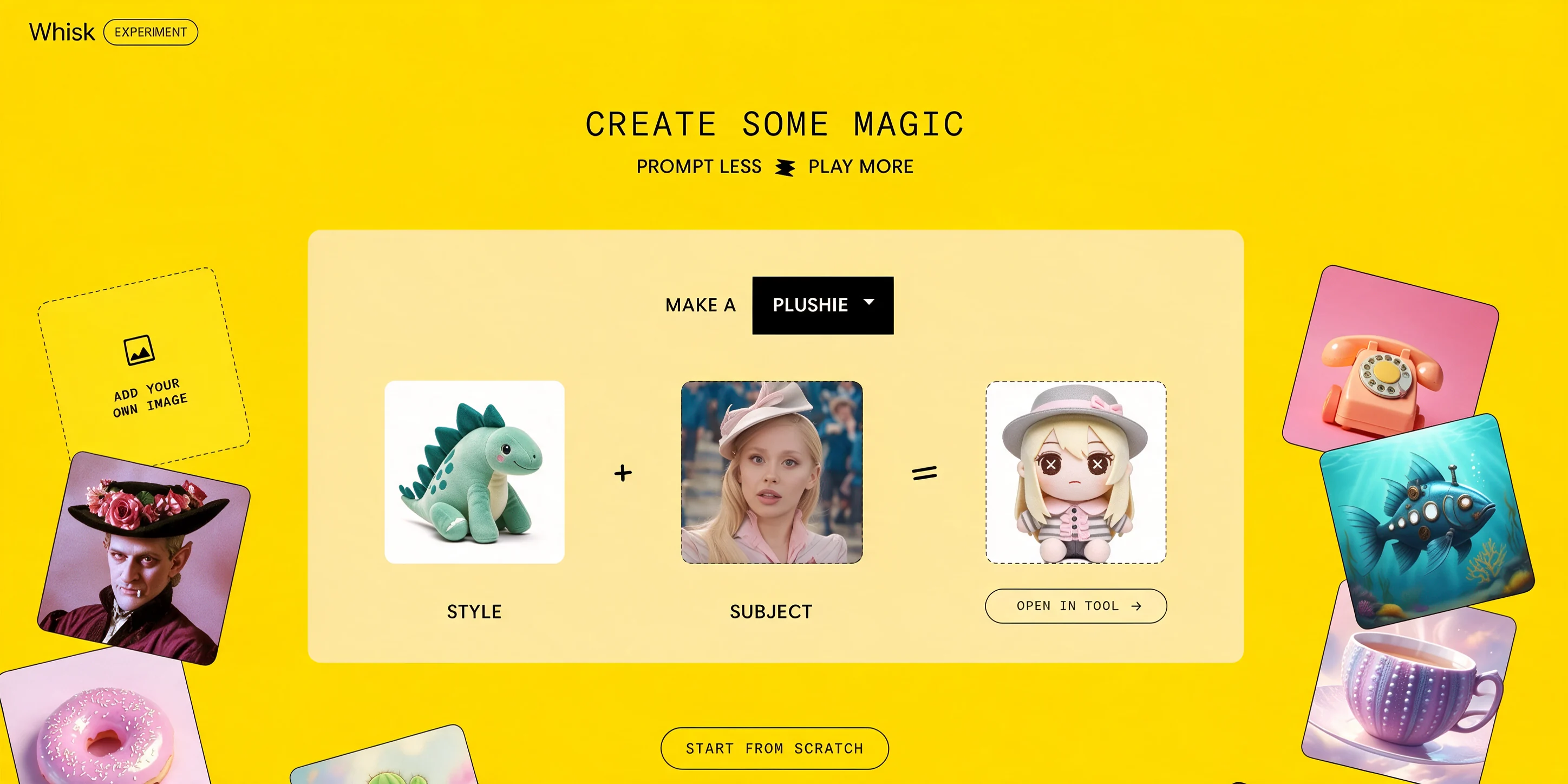
Start from a quick idea, guide the result with references, and choose model settings that fit your campaign, product shot, character, or short video.
Upload references to lock in mood, texture, color, and composition while Smart Prompt turns rough ideas into usable directions.
Move between text-to-image, image remixing, and image-to-video without leaving the same focused creative workspace.
Pick the model, aspect ratio, resolution, and video duration before generation so every result is planned before credits are used.
Keep finished images and videos in Recent Media, then download, share, delete, or regenerate from the work that performs best.
Go from rough concept to polished AI image or video with clearer visual inputs, predictable settings, and visible credit costs.
Mix and match subjects, scenes, and styles to test product shots, characters, posters, and campaign ideas quickly.
Stop fighting with prompts. Upload references, choose model settings, and guide the result with clearer visual context.
Change the prompt, ratio, resolution, or reference set, then generate another direction without rebuilding your workflow.
-e929f99a.jpg)
Choose a mode, add a prompt or reference images, tune the output settings, and launch a real generation task from one streamlined workflow.
01
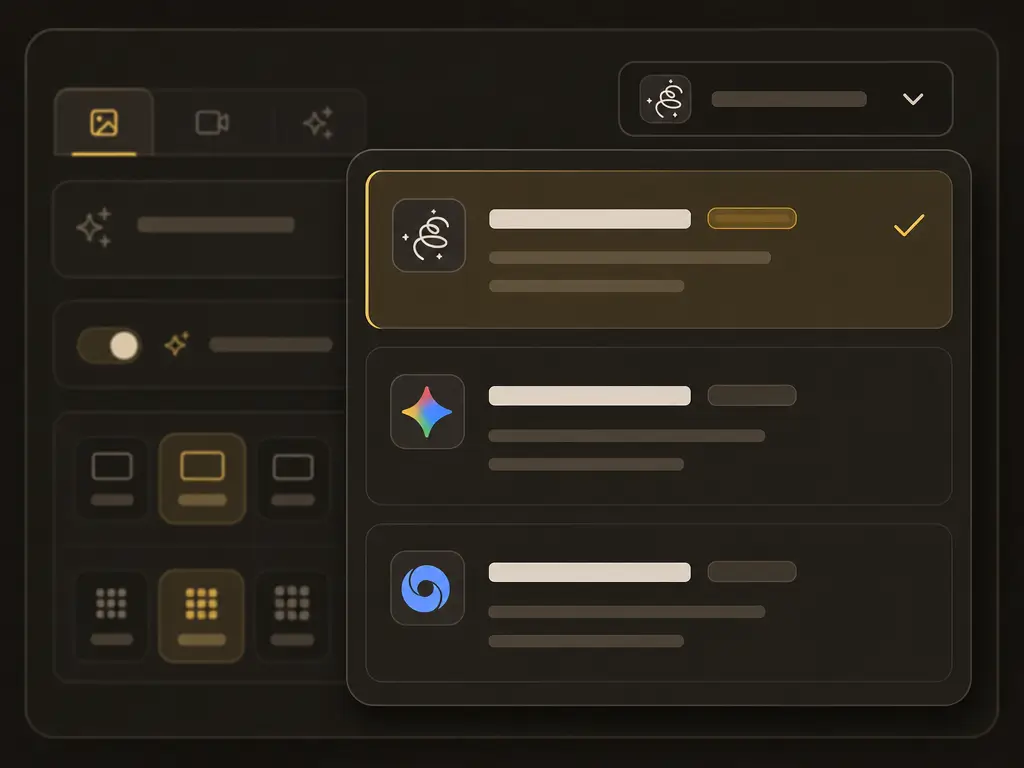
Select Text to Image, Image to Image, or Image to Video, then choose the AI model for your creation.
02
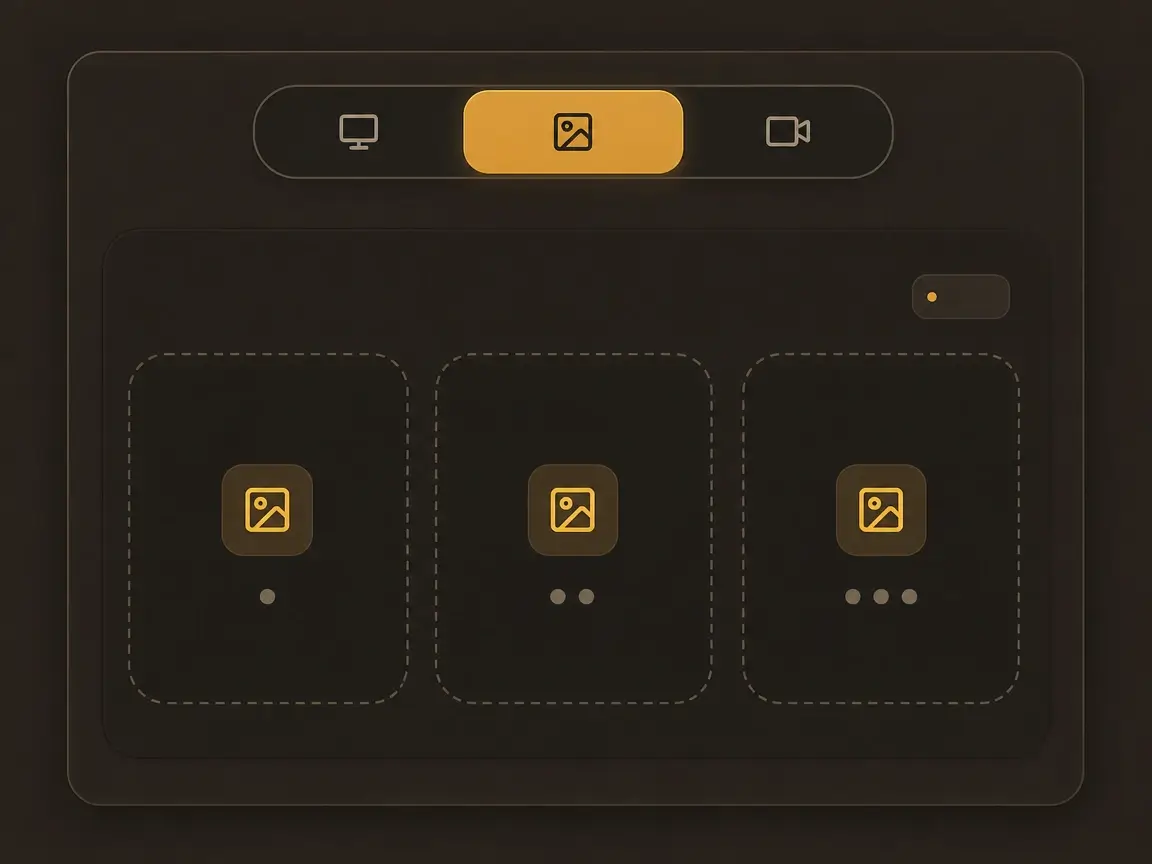
Add up to 3 images for Image to Image, or 1 starting image for Image to Video. Text to Image can skip this step.
03
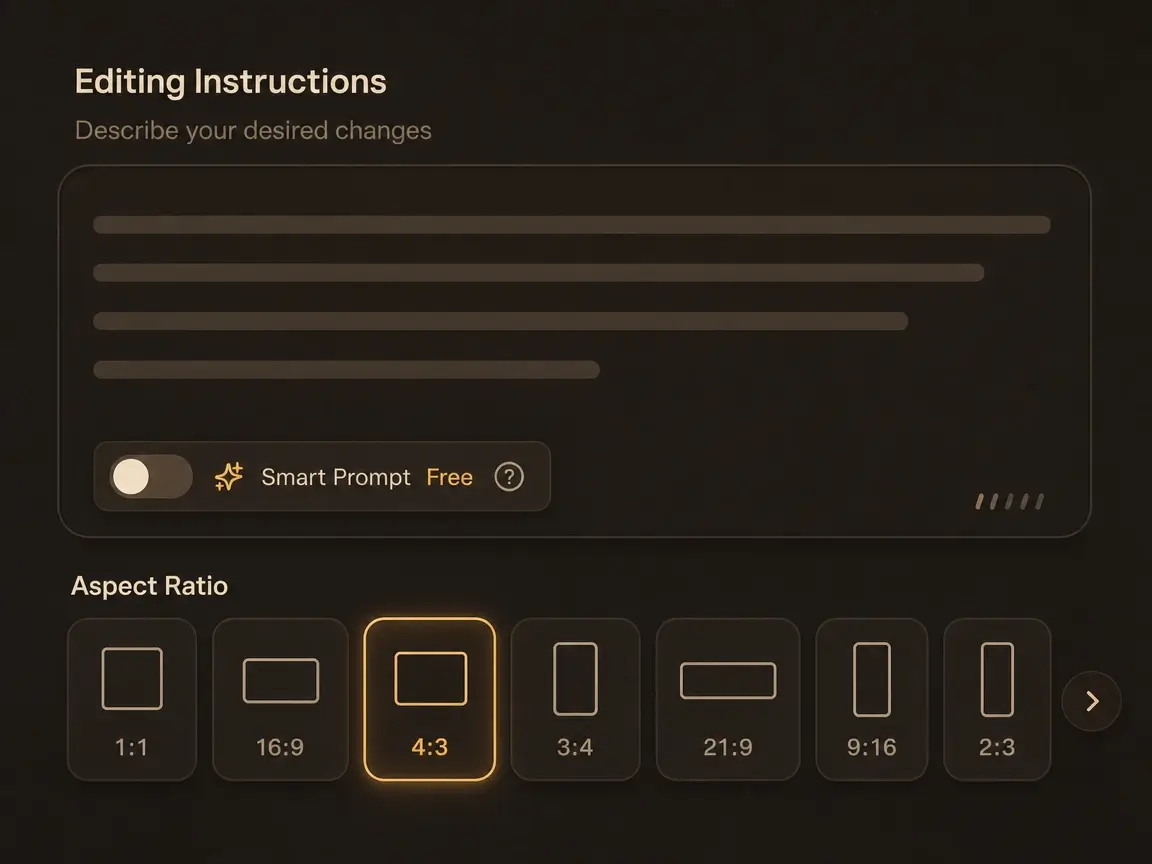
Write your prompt, optionally use Smart Prompt, then set aspect ratio, resolution, and video duration when available.
04
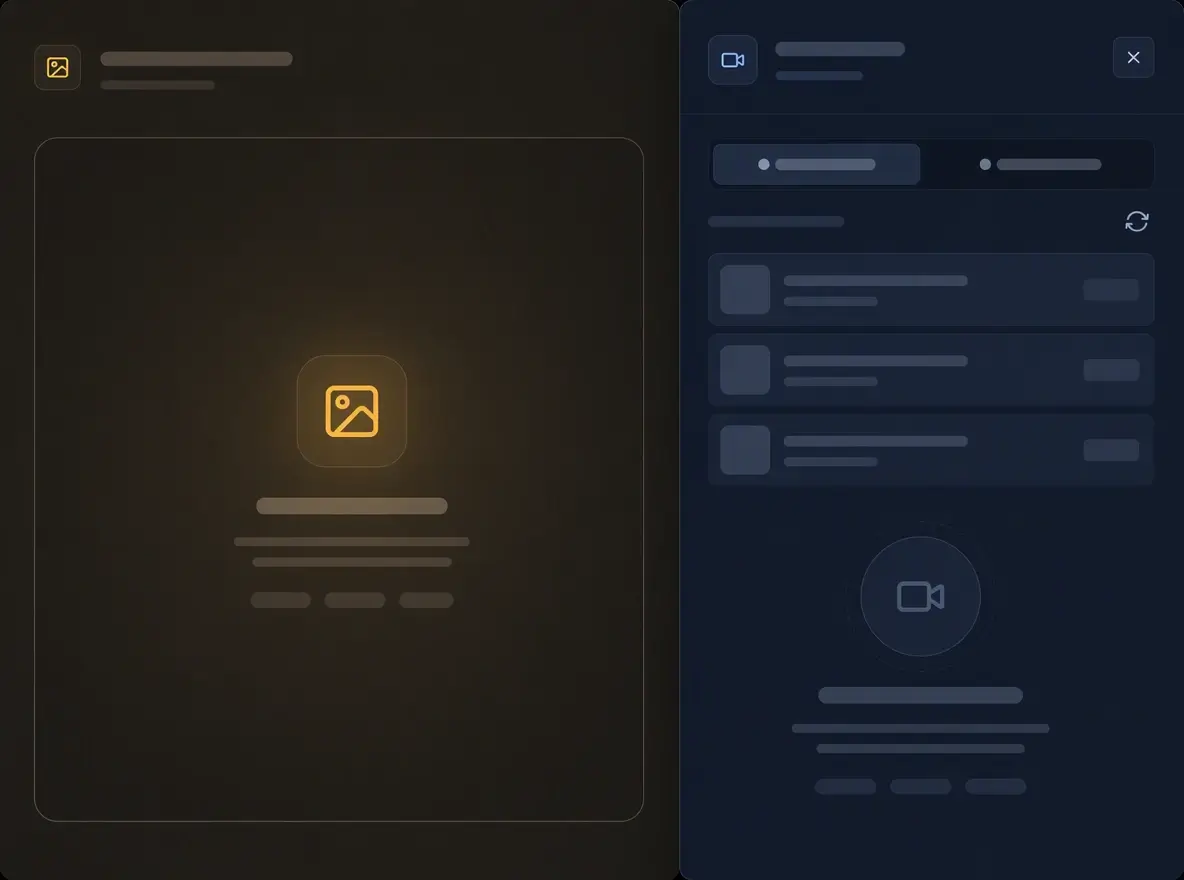
Generate your image or video, track its progress, and find completed work in Recent Media.
Everything you need to test prompts, remix references, compare model outputs, and turn strong images into short videos.
01
Generate from a prompt, remix uploaded references, or animate source images into short AI videos.
02
Work with Google Whisk-style image generation plus Gemini Image, Nano Banana, Gemini Omni, and Veo workflows.
03
See required credits before every task so teams can plan drafts, tests, and final outputs with fewer surprises.
04
Use visual inputs to guide subject, scene, and style instead of relying only on long prompt engineering.
05
Turn a short idea into a polished generation prompt while keeping your original direction easy to restore.
06
Return to completed results, reuse successful prompts, and keep image or video experiments organized by account.
Plan the prompt, references, model, credits, and result history before you scale a creative direction.
01
Choose from image and video models, then tune ratio, resolution, and duration for the job.
02
Visual blending of subject, scene, and style references plus text-to-image and image-to-image creation.
03
Access for all creators to explore image and video generation, then review completed work in Recent Media.
Discover what others are creating with Whisk AI.
"I can upload rough references, test a prompt, and compare finished outputs without rebuilding the whole setup."
Sofia Martinez
Concept Artist
"The credit estimate and model controls make it easier to plan campaign visuals before we generate at scale."
James Chen
Creative Director
"Image-to-image is the fastest way for me to explore variations while keeping a visual direction intact."
Maya Patel
Independent Designer
"The video mode is useful for turning a strong still image into something that works in short-form posts."
Alex Thompson
Digital Content Creator
"The interface makes mode, ratio, and prompt choices visible, which helps students understand the creative process."
Rachel Kim
Art Educator
"Recent Media keeps client experiments organized enough that we can revisit a direction later."
David Rodriguez
Brand Strategist
Receive updates about new models, credit offers, and creative workflow improvements.
Common questions about Whisk AI.
Can't find what you're looking for? Open the generator
Open the workspace, enter a prompt, upload references, and create image or video assets without piecing together multiple tools.